
Run from anywhere
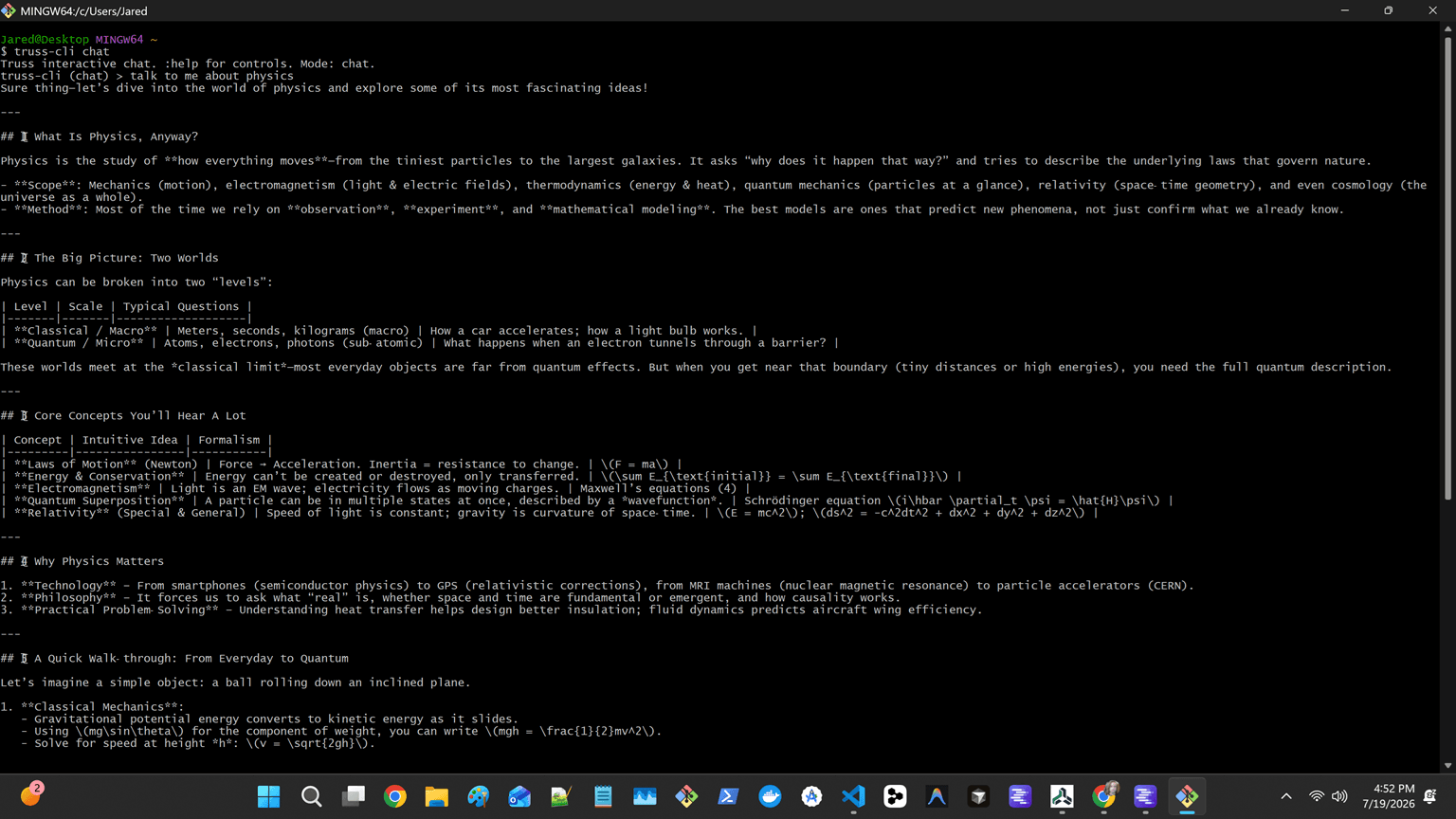
Start a one-shot task or an ongoing chat directly in the shell you already use.
Truss CLI
Run local-model tasks in a terminal, automate repeatable work in scripts, or host the JSON-lines service behind other clients.
What it is for
Start a one-shot task or an ongoing chat directly in the shell you already use.
Discover Ollama, LM Studio, llama.cpp, and compatible endpoints before choosing a profile.
Use workspace commands, plans, memory, MCP configuration, and the JSON-lines service without coupling your workflow to a UI.
Get started
Requires Node.js 20 or newer. The same workspace profiles work across the CLI and TUI.
$ npm install -g @truss-harness/cli
$ truss-cli models
$ truss-cli config init
$ truss-cli chat "Review the current diff"A typical flow
Discover a server and model with truss-cli models.
Create a workspace profile with truss-cli config init.
Run a task, inspect streamed tool activity, and keep the workspace state for the next session.