
One focused workspace
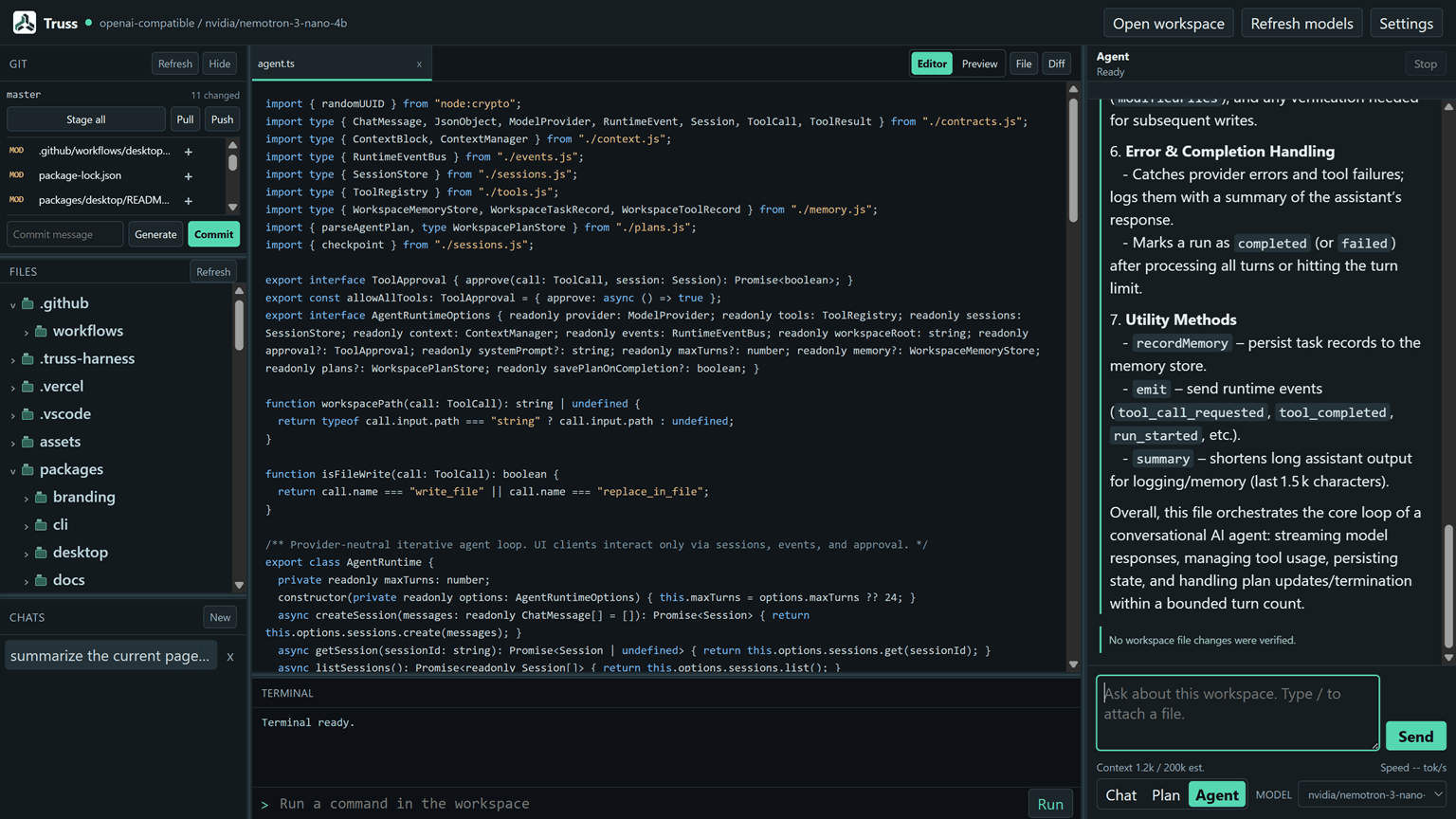
Browse files, inspect working-tree diffs, run terminal commands, and work with the agent in a single desktop surface.
Truss Desktop
Keep files, Git diffs, terminal work, persistent conversations, model controls, and tool approvals in one desktop app.
What it is for
Browse files, inspect working-tree diffs, run terminal commands, and work with the agent in a single desktop surface.
Review branch and changed-file state, stage or unstage files, generate a message, commit, pull, and push from the Git panel.
The Electron renderer has no Node access; filesystem, terminal, provider, Git, and runtime work cross a narrow IPC bridge.
Get started
Windows installers and Linux AppImage, deb, rpm, and pacman packages are resolved from the latest stable release.
A typical flow
Download the package for your operating system and architecture.
Open a workspace and choose a detected local endpoint and model in Settings.
Attach files, inspect diffs, approve tools, and use the Git and terminal panes alongside the conversation.