
Editor-aware chat
Attach up to eight workspace files through the composer and preserve useful conversation history in workspace state.
Truss for VS Code
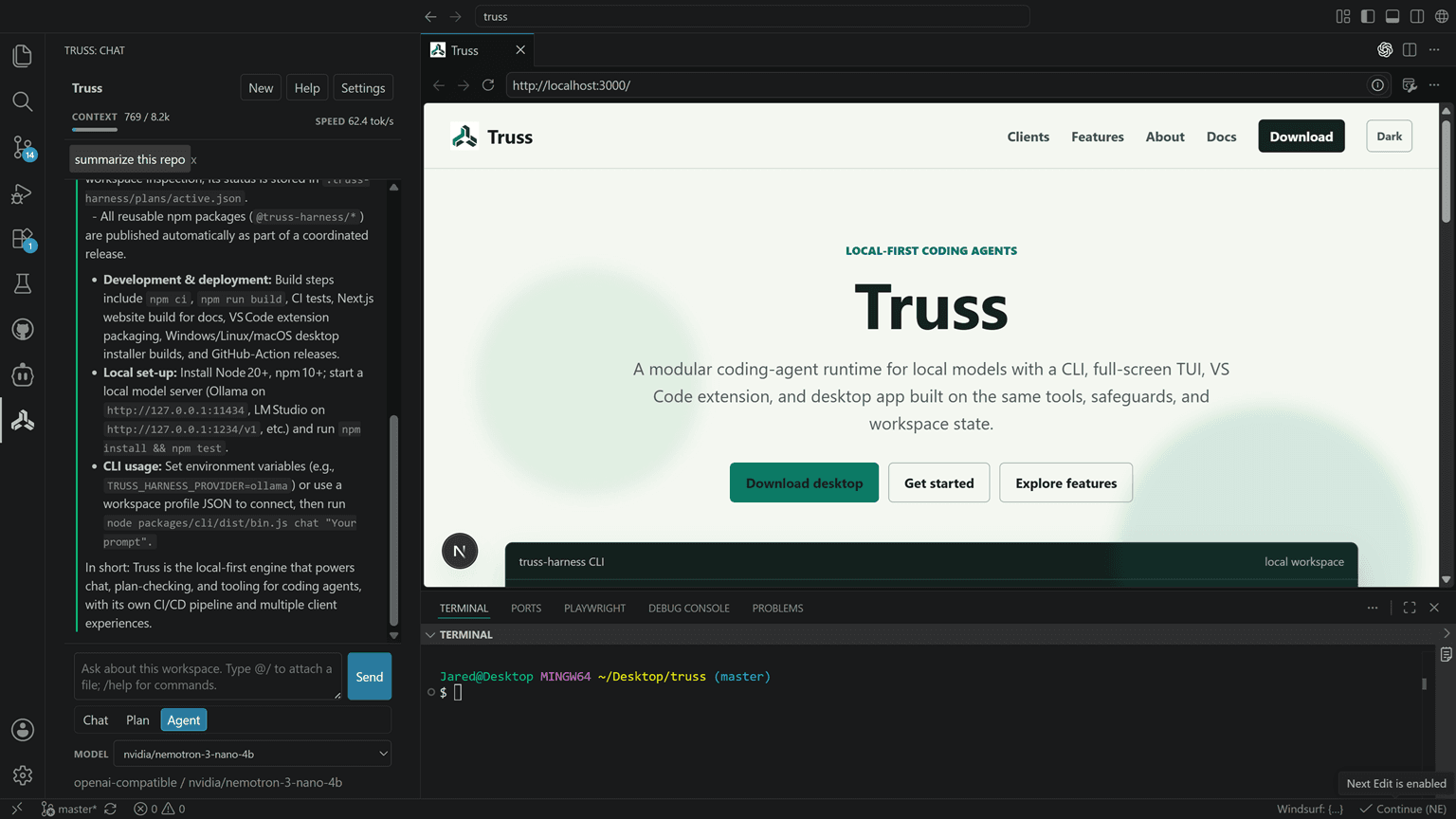
Bring streaming chat, focused file context, inline completions, approvals, and Git-aware actions into a VS Code side panel.
What it is for
Attach up to eight workspace files through the composer and preserve useful conversation history in workspace state.
Switch between Chat, Plan, and Edit while keeping tool permissions explicit and appropriate to the workspace.
Accept local-model inline completions and generate a conventional commit message from Git changes without creating the commit for you.
Get started
Install the Truss extension, open the Activity Bar icon, then select a local server and model from Settings.
A typical flow
Install Truss from the VS Code Marketplace.
Open the Truss Activity Bar view and configure a detected endpoint or custom compatible server.
Choose a model, mode, and tool policy, then use chat and editor actions from the workspace.